Create an account
Choose Sign up, enter your name, email, and password, then follow the verification instructions sent to your inbox.

Choose Sign up, enter your name, email, and password, then follow the verification instructions sent to your inbox.
After signing in, create a workspace and give it a name. A workspace keeps your conversations and members together.
Use the plus button beside Messages. Choose a direct conversation or group, select workspace members, and—for a group—add a name.
In a conversation, use the attachment or image control to choose a supported file. Images, PDFs, and text files up to 20 MB are supported.
Copy the workspace invite link and share it with the people you want to join. Invitees sign in or create an account before joining.
Tell us what happened and include a page link if it helps. Never include your password or private message contents in a report.

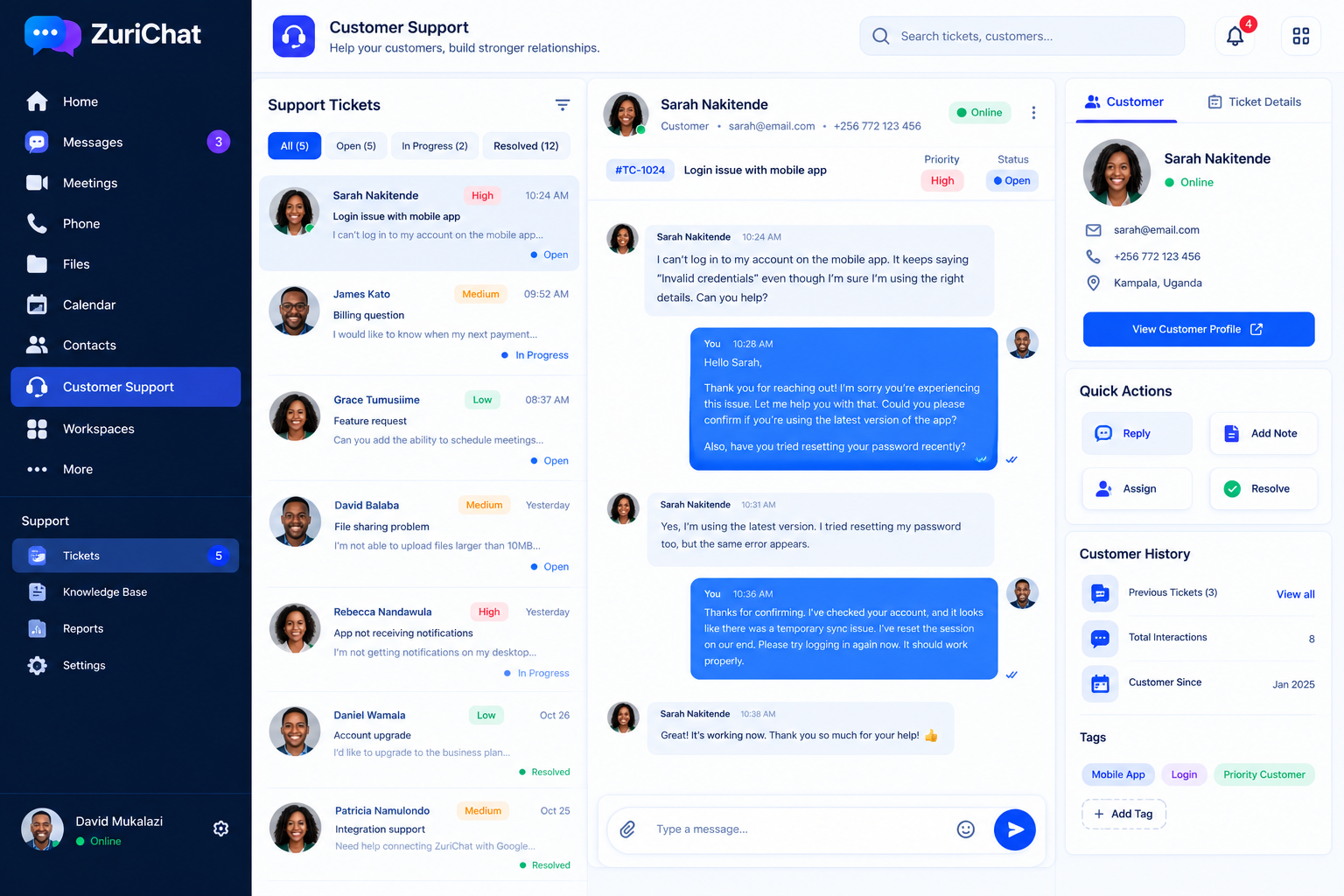
Manage customer conversations and support work from a shared service workspace, alongside public contact and problem-report channels.
Explore the workspace or get in touch if you have a question.