Get started
The Zurichat workspace

Features for teams in motion

A full-featured platform for everyday team communication, meetings, customer engagement, and collaboration across your organization.

Open Zurichat

Profiles and presence · Available

Set a display name, username, short bio, status, and profile photo. Workspace presence shows who is currently connected.

File sharing · Available

Share supported images, PDFs, and text files in conversations. Files are stored privately and links are available to conversation members.

Illustrative team project conversation with a shared document preview.

Voice, video, and conferencing · Available

Host voice and video calls, meet with teammates, and keep conversations moving with in-app conferencing.

Zurichat voice and video conferencing interface.

Meeting summaries and transcription · Available

Create AI-generated meeting summaries and transcribe conversations to capture decisions, details, and next steps.

Zurichat AI meeting summary dashboard.
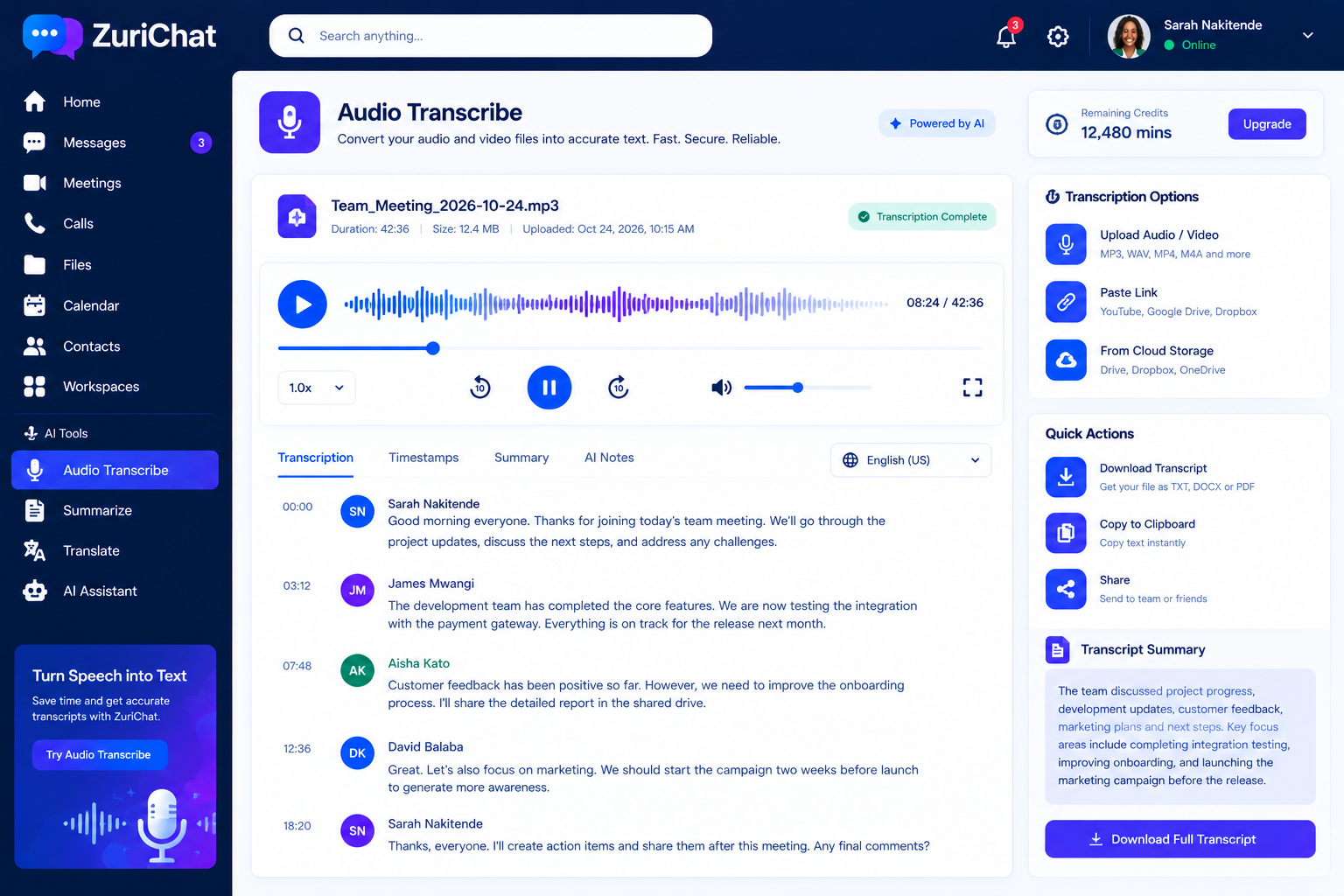
Zurichat audio transcription workspace.

Screen sharing and remote support · Available

Share your screen during collaboration sessions and use remote support tools to guide teammates through tasks.

Zurichat remote support and screen sharing session.

Communities and Zurichat AI · Available

Create communities for shared interests and team knowledge. Zurichat AI provides reply suggestions on Pro, with advanced Zurichat AI Agent capabilities on Enterprise.

Notifications · Available

Follow incoming in-app message alerts and manage notification preferences from your workspace.

Polls, surveys, and quizzes · Available

Create single- or multiple-choice polls in conversations, add multi-question surveys and quizzes, set deadlines, choose anonymous responses, view live results, prevent repeat submissions, manage poll status, and export results as CSV. Only conversation members can participate.

Getting started

New to Zurichat? Follow a step-by-step guide to create your account, set up a workspace, invite your team, and start collaborating.

Keep exploring

Make room for better conversations.

Explore the workspace or get in touch if you have a question.